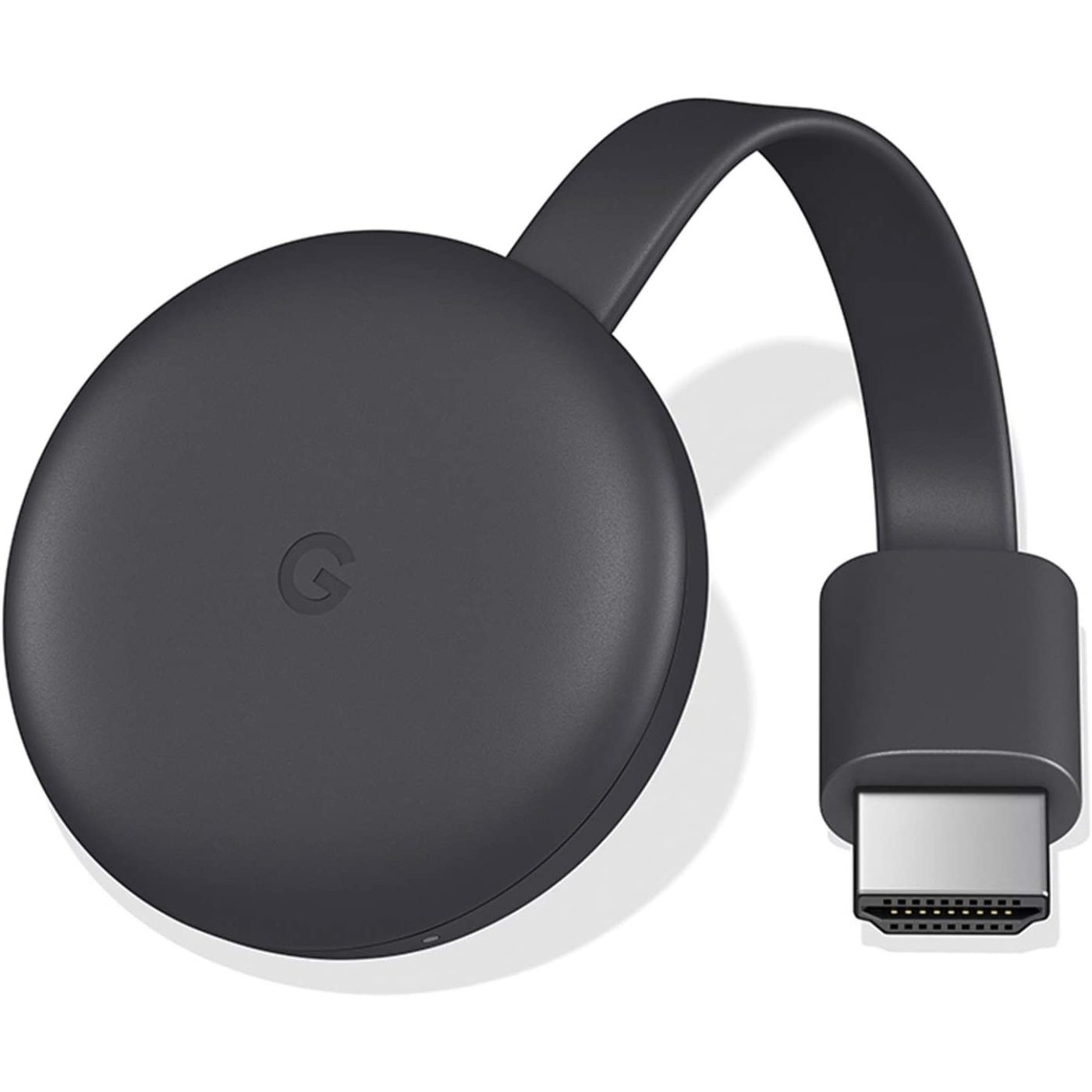
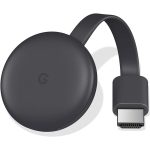
Google Chromecast 3rd Generation Media TV Streaming
About this item :
- Brand: Google
- Color: Charcoal
- Generation: 3rd
- Seamless functionality
- TV Streaming
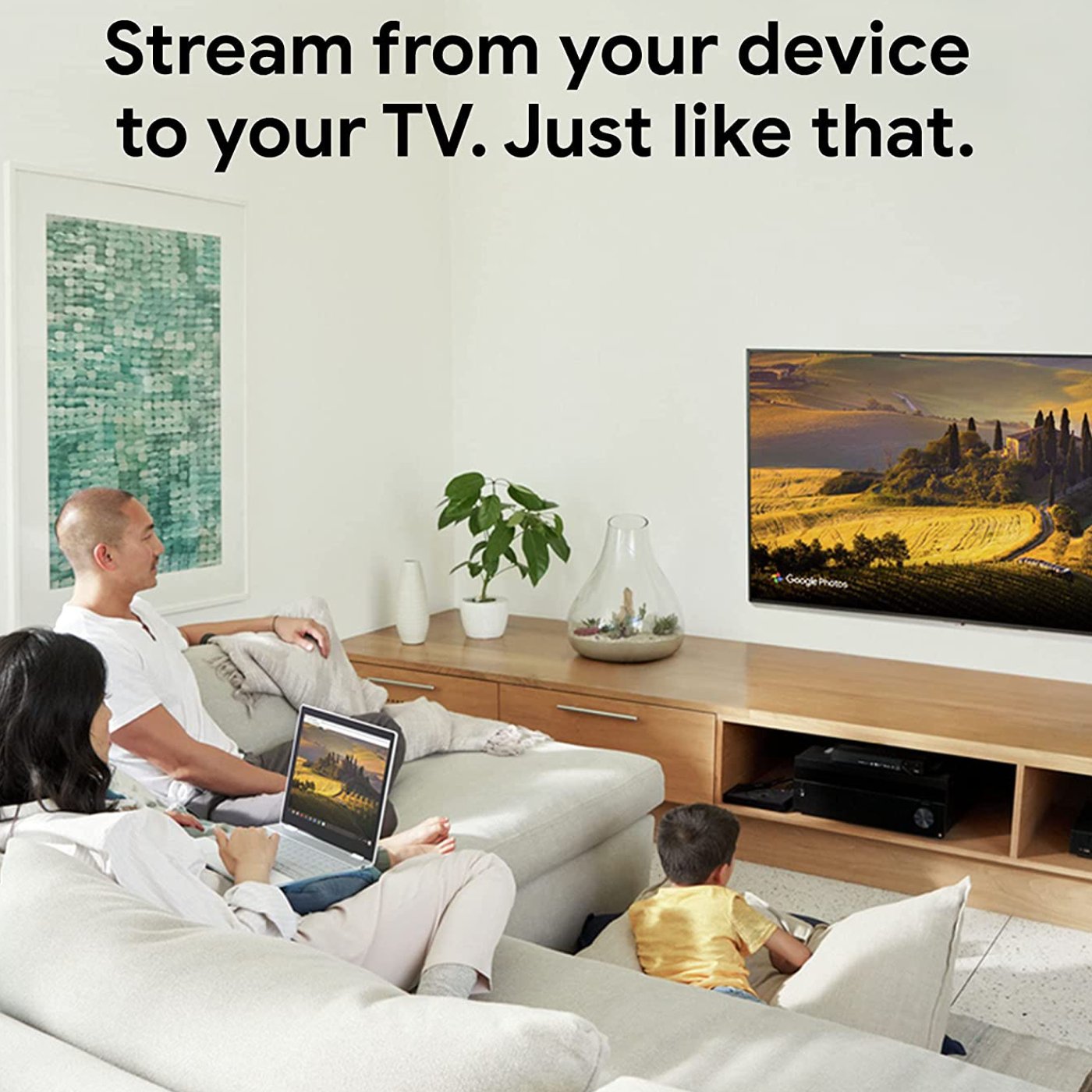
- Wirelessly Stream & Mirror Content
- Up to 1080p/60 Hz Video Resolution
- Dual-Band 802.11ac Wi-Fi Connectivity
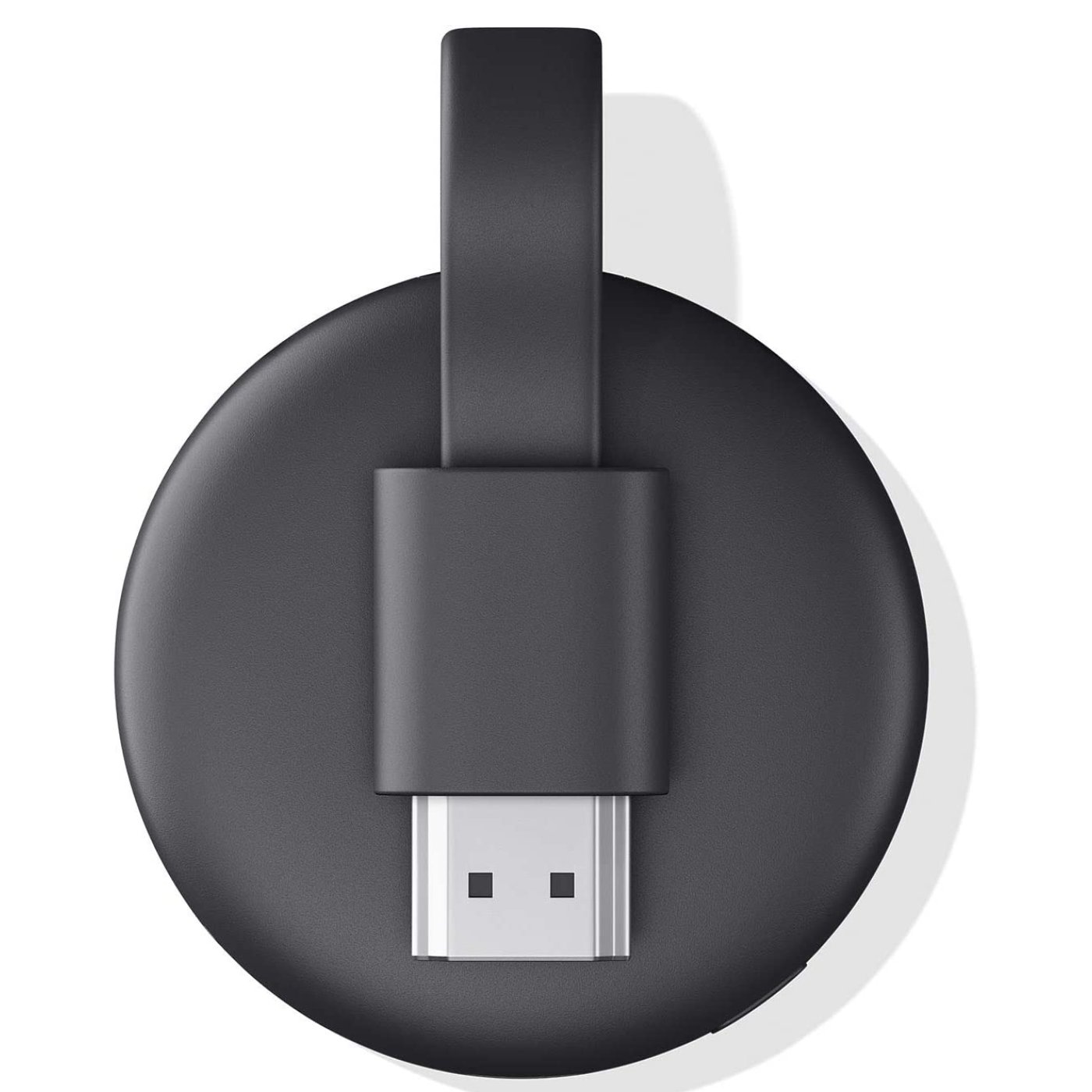
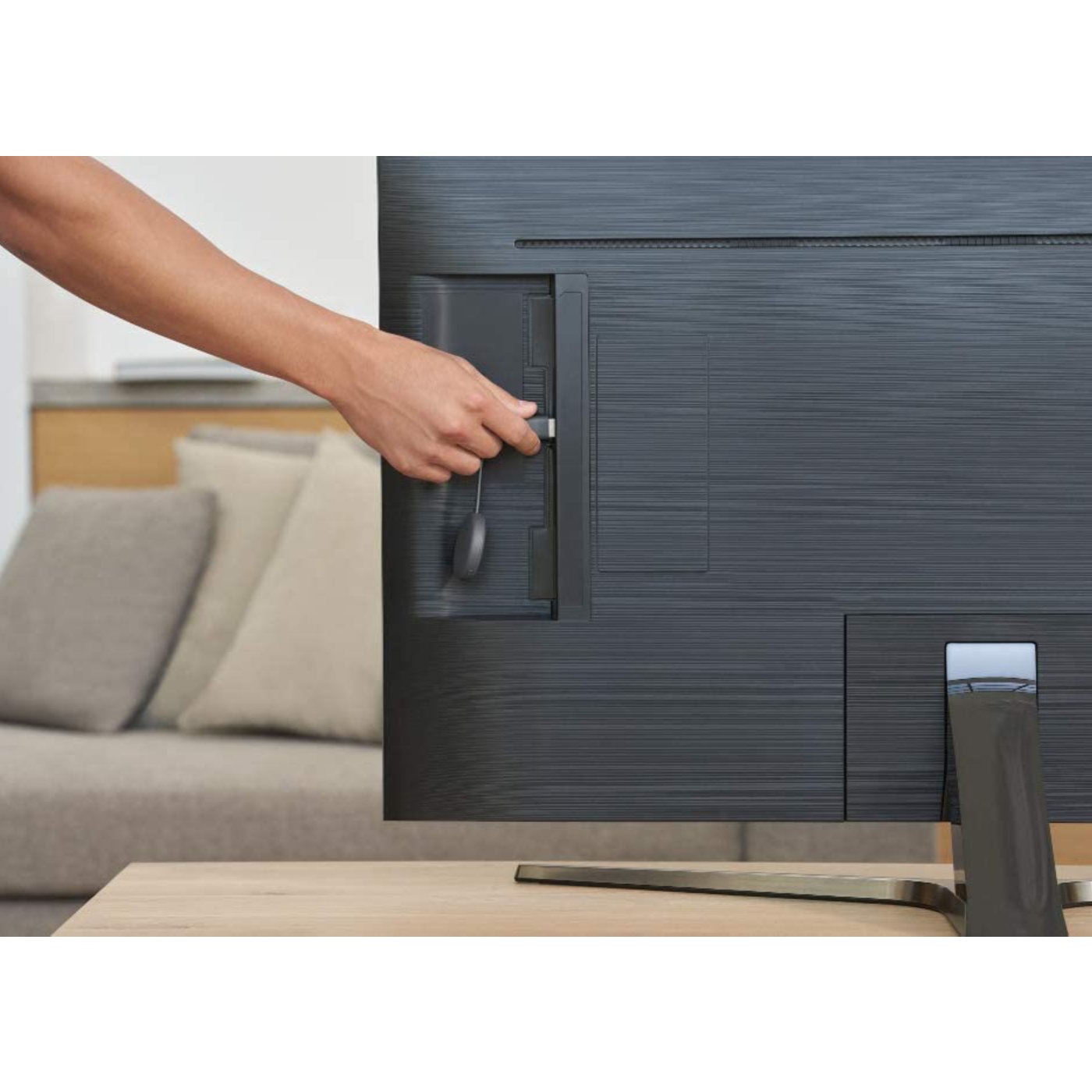
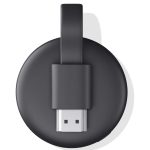
- Integrated HDMI Connector
- Control from Portable Devices
- Compact Circular Design
- Works with Google Assistant
- All online Services
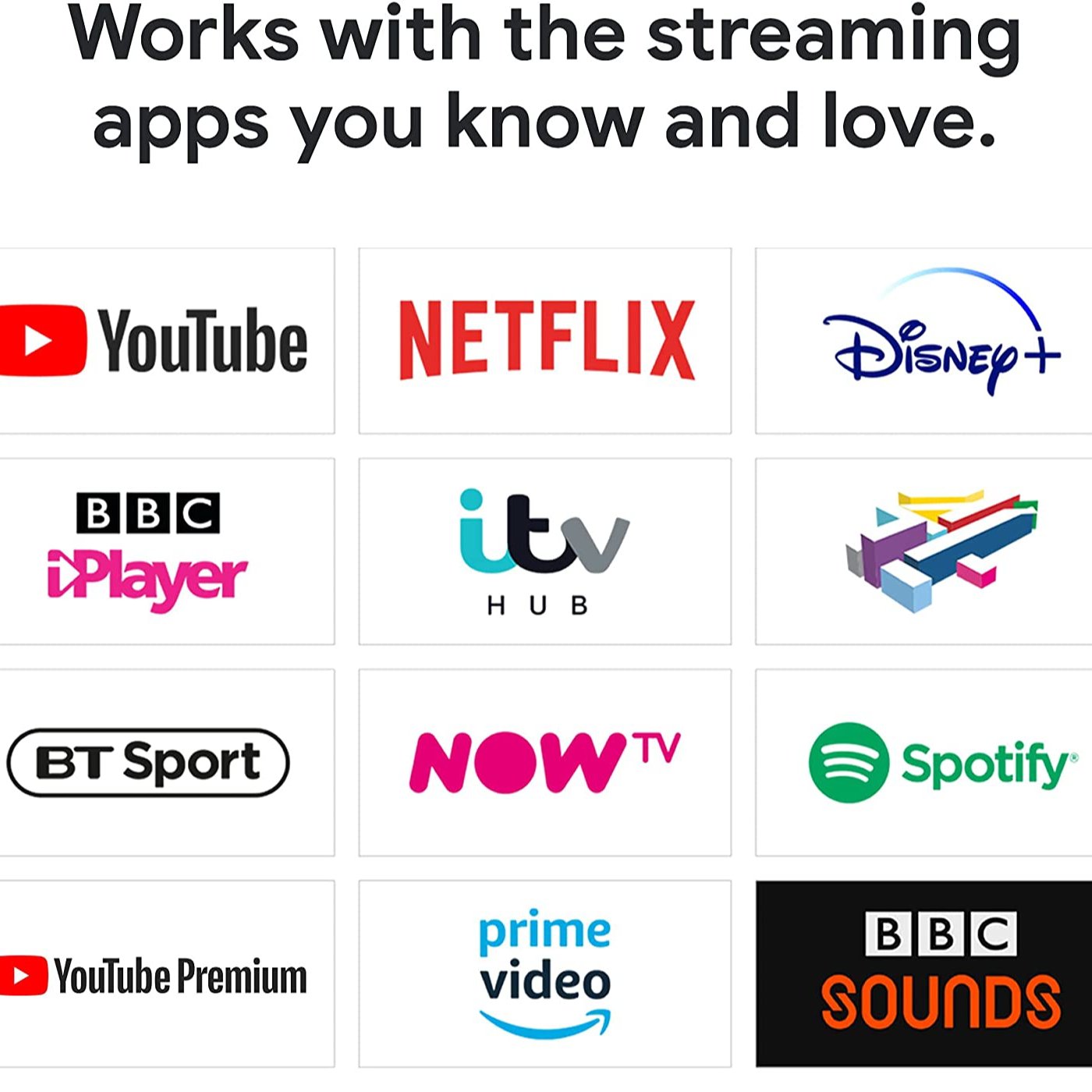
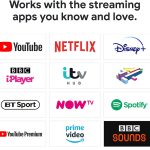
- Netflix, Youtube and More
Out of stock
KWD15
Out of stock
Google Chromecast 3rd Generation Media TV Streaming
From The Manufacturer :
Enjoy Full HD content from your favorite mobile device with the Google Chromecast 3rd Generation Media TV Streaming. It plugs into the HDMI port on your display or receiver, enabling you to stream media from your mobile device or the web. It supports Full HD (1920 x 1080) resolution at 60 Hz to provide a detailed image on compatible displays. The Chromecast connects to your home network via 802.11ac Wi-Fi and can be controlled via your mobile device or by voice with your Google Home device.
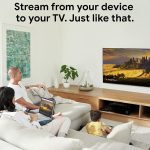
Stream from Your Favorite Devices
Enjoy thousands of Android or iPhone apps, and play or pause directly from your phone. Mirror your laptop screen to your display with your Chrome browser. Surf the web or view your media on the big screen. Just tap the Cast button in any compatible app to turn your Android or iOS tablet into an entertainment device.
Stream from Android and iPhone®.
Enjoy hundreds of Android or iPhone apps2, and play or pause directly from your phone.
See your laptop on your TV.
Mirror your laptop screen to your TV with your Chrome browser. Surf the web or see your media on the big screen.
Command your TV from your tablet.
Turn your Android or iOS tablet into an even better entertainment centre. Just tap the Cast button in any compatible app.
Put your voice in charge.
Start streaming by speaking.
Use your voice to stream from compatible apps, mute the volume, rewind and more with Chromecast and Google Home.
Setup And Casting
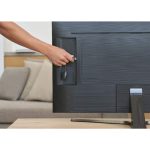
Setting up the Chromecast is an easy process with the Google Home app. Plug the Chromecast into an HDMI port on your TV and into a power outlet, and it will show a splash screen asking you to download the app to connect it.
If you’ve already used Google Home before, or set up any other Google Home-controlled device on your network, the app will detect that a new device is ready to be set up and prompt you to start the process. If you’re completely new to the app, the Chromecast should appear in the Devices menu, with text indicating it’s waiting to be set up.
Select the Chromecast, enter your Wi-Fi information, log in with your Google account, and optionally log in to third-party streaming services like Netflix and Spotify. The Chromecast will download any updates it needs, then it will be ready for streaming.
| Weight | 600 g |
|---|
Related products
-
Streaming Media Players
Roku Ultra HD/4K/HDR/Dolby Vision, Bluetooth Streaming Media Player – Black
MODEL Roku Ultra 2022 COLOR Black Connectivity Technology Bluetooth, USB, Ethernet, Wi Fi Connector Type HDMI Resolution 4K Controller Type Remote Form Factor TV Stick Supported Internet Services Netflix, Prime Video, Pandora, Hulu, Vudu, YouTube Special Feature Bluetooth streaming / Works with Apple AirPlay and HomeKit / Works with Google Home / Works with AlexaBluetooth streaming / Works with Apple AirPlay and HomeKit / Works with Google Home / Works with Alexa Brand Roku About this item
- Outrageously powerful: Enjoy a lightning-fast interface and channels that launch in a snap with the fastest, most powerful Roku player ever
- Super-fast startup: Stream your favorite channels like Netflix, Apple TV+, Prime Video, and more in a snap
- Our best Wi-Fi: Enjoy fast, seamless TV streaming in any room in the house with our best Wi-Fi and Ethernet
- Cinematic streaming: Stream in 4K, Dolby Vision, and HDR10+, plus Dolby Atmos sound
- Our best remote: Roku Voice Remote Pro is conveniently rechargeable with personal shortcut buttons
- Hands-free voice controls: Say “Hey Roku” to play entertainment, power up your TV, and find your lost remote
- Private listening: Use wired or wireless headphones to crank up the volume without disturbing a quiet house
- Find your lost remote: Say “Hey Roku, where’s my remote?” or press the button on your streaming device
- No more juggling remotes: Power up your TV, adjust the volume, and control your Roku device with one remote
- Watch what you love: Stream a massive selection of free, live, and premium TV including 350+ free live TV channels
SKU: E02284